Y2K Patch
Description of the challenge
- CTF Name : Hackday 2026
- Category : Forensics
- Difficulty : Medium
- Date : 23-25 January 2026
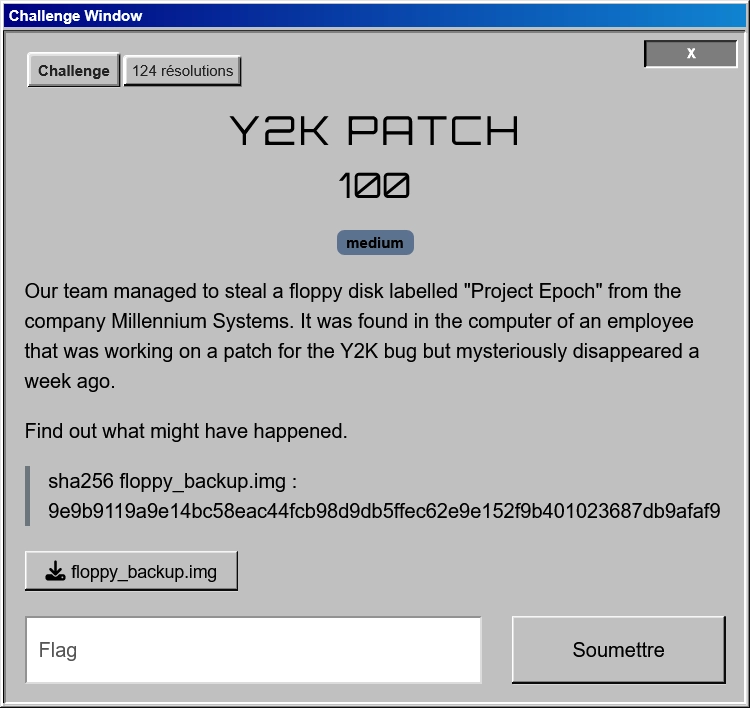
We are given the following challenge :
Analyzing the .img file
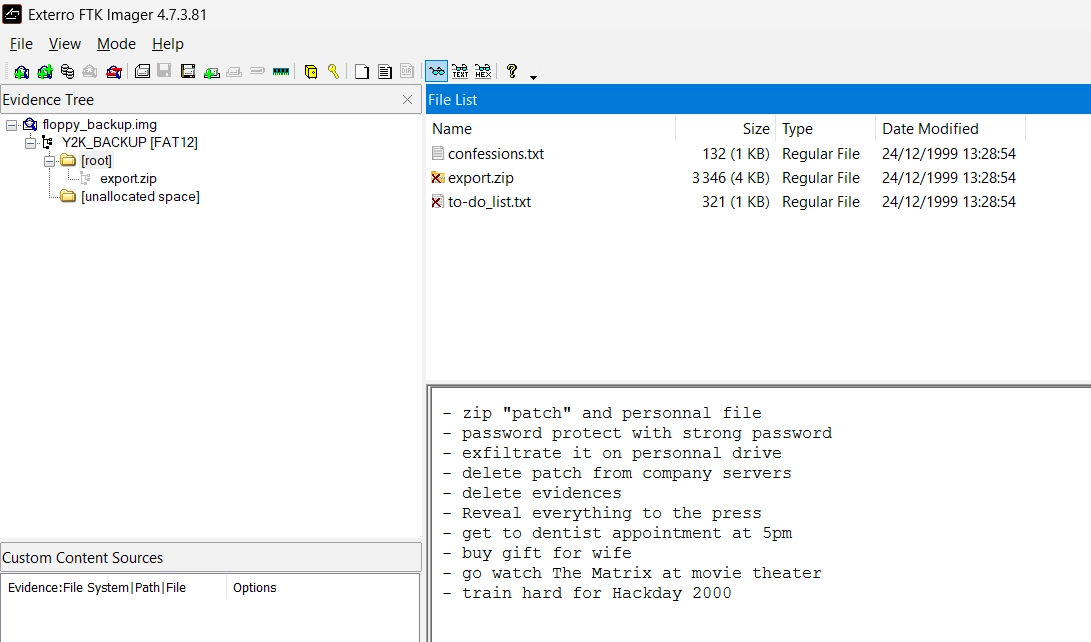
To analyse the provided .img file, we can start by opening it in FTK Imager. This tool allows us to explore the contents of the disk image.
Inside, we can see three files in the [root] directory. One of them is a to-do list in a text file to-do_list.txt :
Through FTK Imager, we can also see what is inside export.zip. It is password protected but we can see that there is also a file named to-do_list.txt :
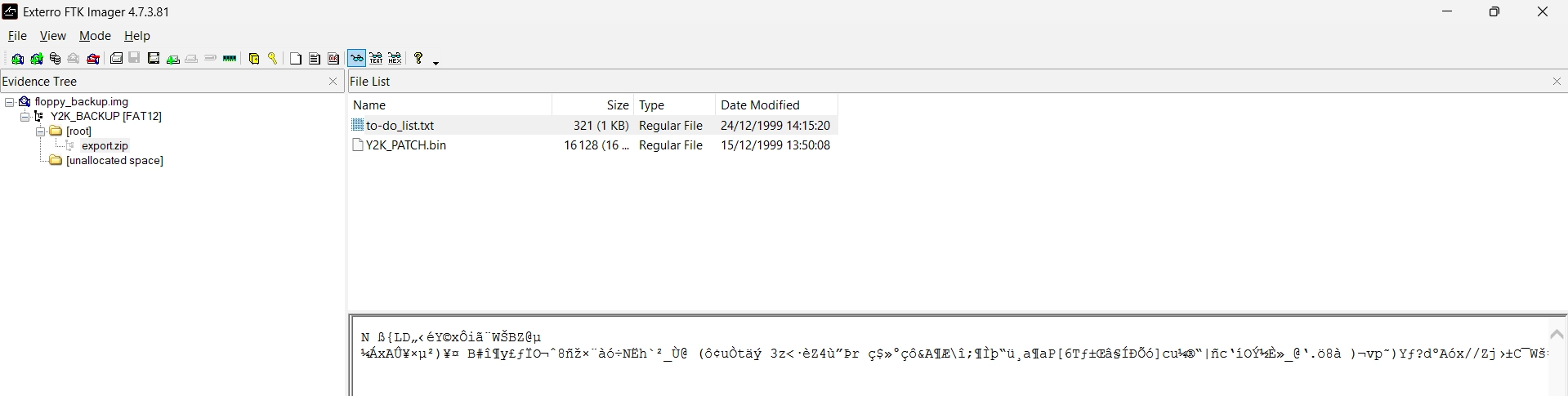
Thus, an attack using Bkcrack may be possible to recover the files inside the zip.
Using Bkcrack to recover the password
We start by using 7z to discover the encryption method used in the zip file :
7z l -slt export.zip | grep Method
Method = ZipCrypto Deflate
Method = ZipCrypto Deflate
We can see that the encryption method is ZipCrypto Deflate for both to-do_list.txt and Y2K_PATCH.bin, which means the file has been compressed before being encrypted.
As the common file is to-do_list.txt, we will attack this file to recover the keys :
# we create a zip of the known plaintext file
$ zip plaintext.zip root/to-do_list.txt

# we run bkcrack to recover the keys
$ bkcrack -C root/export.zip -c 'to-do_list.txt' -P plaintext.zip -p root/to-do_list.txt
bkcrack 1.8.1 - 2025-10-25
[16:06:51] Z reduction using 200 bytes of known plaintext
100.0 % (200 / 200)
[16:06:52] Attack on 40997 Z values at index 6
Keys: 31ab75f5 bdbb78b4 3a87f17c
70.3 % (28814 / 40997)
Found a solution. Stopping.
You may resume the attack with the option: --continue-attack 28814
[16:07:32] Keys
31ab75f5 bdbb78b4 3a87f17c
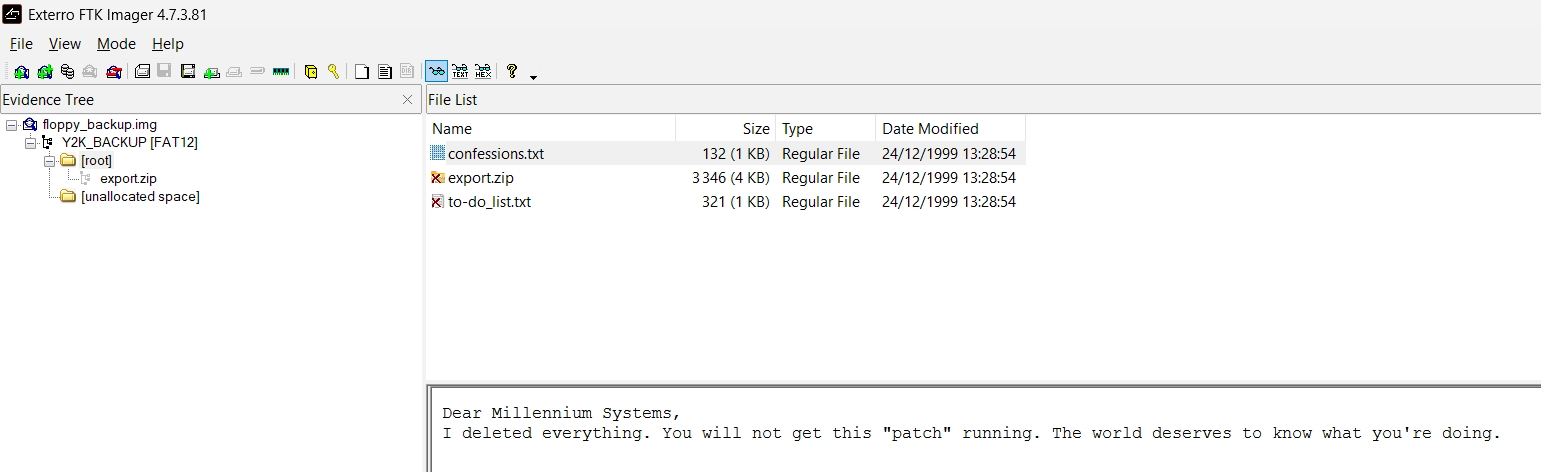
As it is successful, we can now use the recovered keys to decrypt Y2K_PATCH.bin. The previous file confessions.txt that was present gives us a hint about which file to decrypt :
$ bkcrack -C root/export.zip -c 'Y2K_PATCH.bin' -k 31ab75f5 bdbb78b4 3a87f17c -d decrypted.bin
Before reading its contents, we will need to decompress it using zlib. We can use a simple Python script to do so :
python3 -c "import zlib; f=open('decrypted.bin','rb'); d=f.read(); print(zlib.decompress(d, -15).decode('latin-1'))"
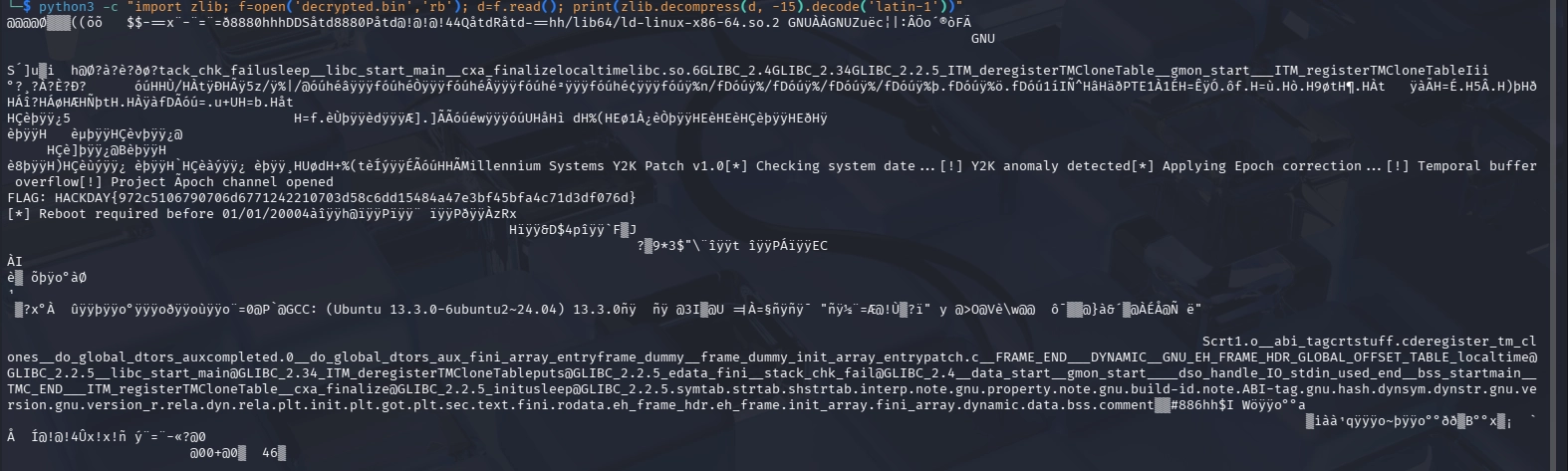
HACKDAY{972c5106790706d6771242210703d58c6dd15484a47e3bf45bfa4c71d3df076d}